



In brief
- A hands-on exercise: a fictional campaign brief, its set-up sheet and day-one report, with ten deliberate errors.
- Find them before you open the answer key; each one is a mistake we’ve seen in real campaigns.
- Score yourself: 8 or more is launch-ready; under 5, start with our launch checklist.
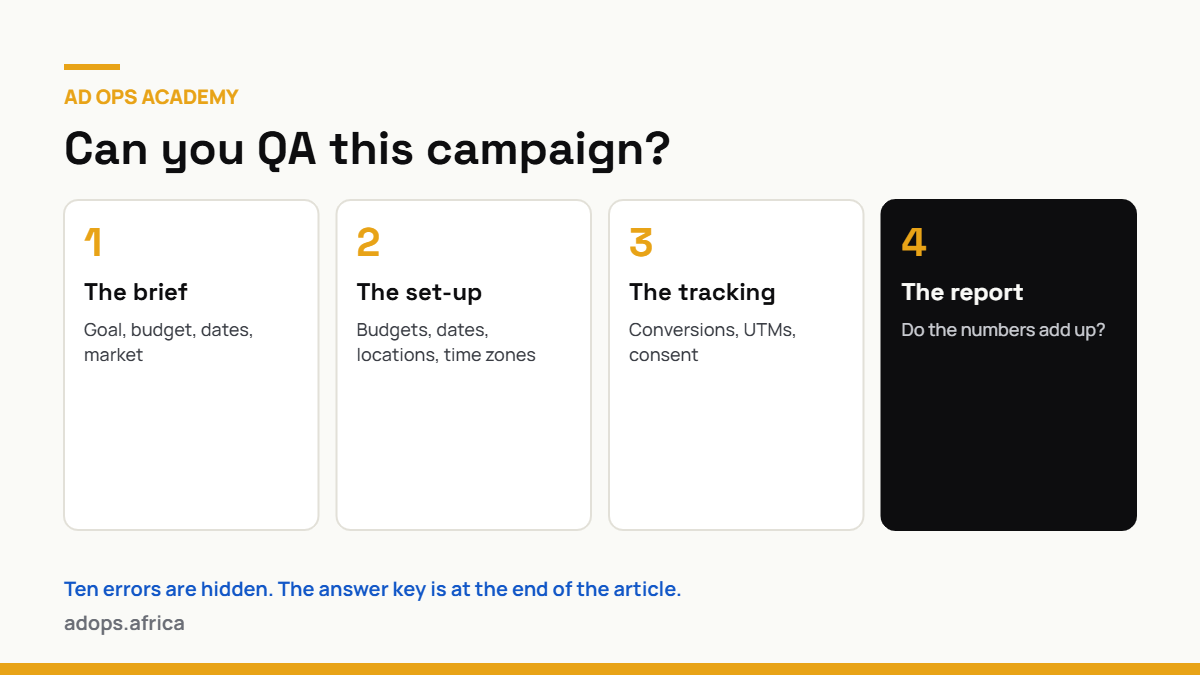
Reading about QA is one thing. Finding the mistakes is another. This is the first Ad Ops Academy exercise: a fictional South African campaign, ready to launch, with ten errors hidden in the brief, the set-up and the first-day report. Every one is a mistake we’ve seen in real campaigns. Grab a pen, give yourself 15 minutes, and see how many you find before you open the answers.
The brief
Client: Ubuntu Home, a fictional online homeware store in South Africa. Campaign: Summer Sale. Goal: online sales at a cost per sale under R250. Budget: R60,000 for the month. Dates: 1 to 30 November 2026. Channels: Google Search and Meta. Market: South Africa only. Conversion: completed purchase, valued in rand.
The set-up sheet
| Item | Google Search | Meta |
|---|---|---|
| Name | za_sales_summersale_202611 | ZA Summer Sale Nov |
| Budget | R2,000 per day | R10,000 per day |
| Dates | 1 Nov – 30 Nov 2026 | 1 Nov – 30 Dec 2026 |
| Location | South Africa | South Africa, Nigeria, Kenya |
| Time zone | (GMT+02:00) Johannesburg | (GMT+00:00) London |
| Conversion | purchase (GA4 import) + Google Ads purchase tag, both primary | Purchase event |
| Value | Rand | US dollars |
| Landing page | See link 1 below | See link 2 below |
Landing page links:
- Google:
ubuntuhome.co.za/sale?utm_source=google&utm_medium=cpc&utm_campaign=za_sales_summersale_202611 - Meta:
ubuntuhome.co.za/sale?utm_source=Facebook&utm_medium=Paid-Social&utm_campaign=summer
Notes from the developer
- The Meta pixel’s Purchase event was added to the ‘Add to cart’ button so it fires sooner.
- The cookie banner is live. To avoid losing data, Consent Mode defaults are set to ‘granted’ until the visitor chooses.
- The /sale page redirects to /summer-sale for mobile visitors.
Day-one report
| Metric | Google Ads | Meta | GA4 |
|---|---|---|---|
| Spend | R2,010 | R10,050 | — |
| Purchases | 46 | 38 | 21 |
| Revenue | R31,500 | $2,950 | R14,200 |
Your task
Find ten errors. For each one, say what’s wrong and what the fix is. Look at the brief, the set-up sheet, the developer notes and the report together: some errors only show up when you compare them. Then open the answer key.
▶ Show the answer key (click to open)
- Meta budget. R10,000 a day is about R300,000 for the month, five times the whole R60,000 budget. Google’s R2,000 a day is already R60,000 on its own. Split the R60,000 between channels, roughly R1,000 a day each.
- Meta end date. 30 December, not 30 November. The sale would run a month too long.
- Meta locations. Nigeria and Kenya are included, but the brief says South Africa only. (In Nigeria the ads would also need approval before running.)
- Meta account time zone. London time means the campaign starts and stops two hours late and daily reports don’t match South African days. Time zones are fixed when the ad account is created, so check before launch, or use a correctly set-up account.
- Google double counting. Two primary purchase conversions (the GA4 import and the Google Ads tag) count each sale twice. Keep one as primary. This is why Google shows 46 purchases against GA4’s 21.
- Meta Purchase event on ‘Add to cart’. It counts carts as sales. Fire Purchase only on the order confirmation page.
- Meta conversion value in US dollars. Revenue of $2,950 can’t be compared with rand results. Send values in rand.
- Meta UTMs. ‘Facebook’ and ‘Paid-Social’ break the lowercase convention and won’t match GA4’s channel groups cleanly; the campaign name doesn’t follow the pattern. Use meta, paid_social and za_sales_summersale_202611. See our tracking plan guide.
- Consent defaults set to ‘granted’. Tags would run before the visitor agrees, which breaks POPIA and how Consent Mode is meant to work. Defaults must be ‘denied’ until the visitor accepts. See our Consent Mode guide.
- The mobile redirect. Redirecting /sale to /summer-sale may drop the UTM parameters, so mobile traffic, most of it, arrives without a source. Test the final URL on a phone and make sure parameters pass through.
Score yourself
- 8 to 10: you’re launch-ready. Use the launch checklist to make it routine.
- 5 to 7: good instincts. Focus on the tracking errors; they’re the ones that are easiest to miss and cost the most.
- Under 5: start with the ad ops foundations, then try again in a week.
What the report should have told you
The day-one numbers were the giveaway. Google claimed 46 purchases and Meta 38, but GA4 saw only 21, and revenue was in two currencies. Whenever platforms claim far more conversions than your analytics or sales system, stop and check the tracking before you optimise. Platforms will always count a little more than GA4, because they credit views and clicks differently, but not twice as much.
Why it matters in Africa
Every error here wastes money, but some do more: a campaign that runs in the wrong countries or collects data without consent is a compliance problem, not just a performance one. And on smaller budgets, a week of double-counted conversions can lead Smart Bidding in the wrong direction for the rest of the month.
How to use this exercise
- Train new starters. Ask them to find the errors before their first live launch.
- Run it as a team. Give everyone 15 minutes, then compare answers. The debates are where the learning happens.
- Make your own. Take a real campaign, plant five errors, and swap with a colleague.
How to measure your progress
Try the exercise again in a month without looking at the answers. Then apply the same eye to your next real launch: count the issues you catch before go-live, and the ones that slip through. The second number should keep falling.
Share with your team
Ten errors, three places to look: the plan vs the brief, the tracking vs the platforms, and the report vs reality. If platforms claim far more conversions than GA4, check tracking first.
Read next: The digital campaign launch checklist · The ad ops foundations
Sources
- Google Analytics Help: URL builders: Collect campaign data with custom URLs
- Google Developers: Consent mode overview
Researched and drafted with AI assistance, then reviewed, tested and edited by Pilira Mwambala. See our Editorial & AI Policy.